

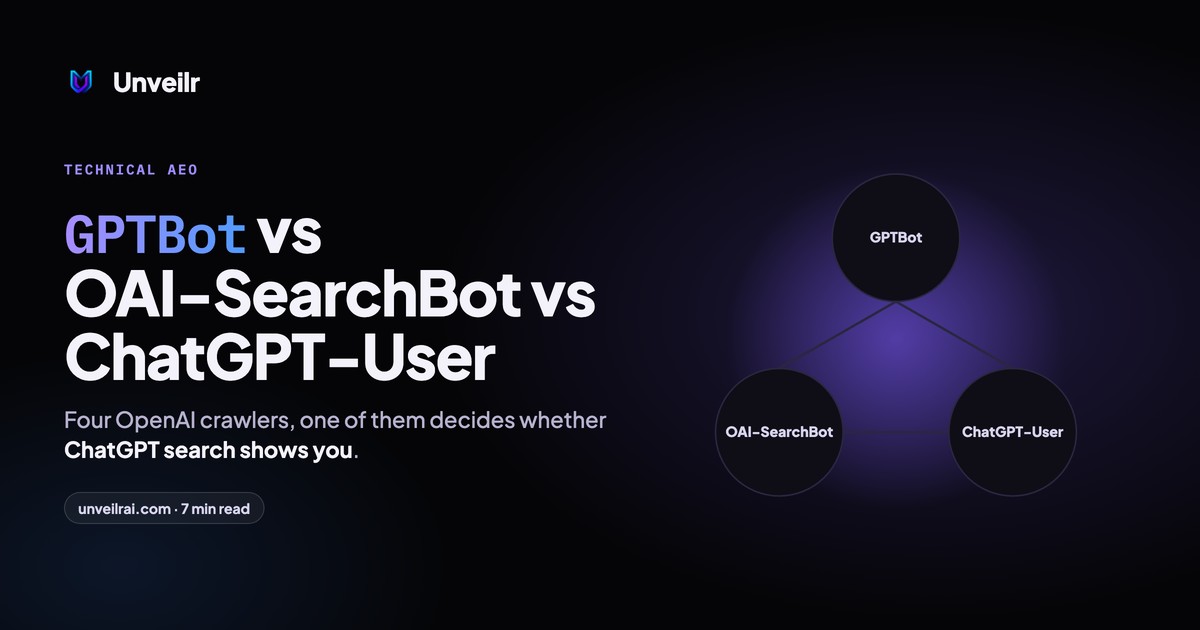
Quick Answer: The deciding difference is purpose: GPTBot crawls for model training, OAI-SearchBot indexes pages for ChatGPT search, and ChatGPT-User fetches a page when a person asks. Only OAI-SearchBot decides whether your site can appear in ChatGPT search answers, so blocking GPTBot alone costs you nothing in visibility. A fourth bot, OAI-AdsBot, only visits ad landing pages.
OpenAI publishes one page that describes all four of its robots, with a separate user-agent string and a separate published IP list for each, in its crawler overview. The document's own summary is the whole strategy: a site can allow OAI-SearchBot to appear in search results while disallowing GPTBot to keep its content out of training. Most sites that "blocked ChatGPT" blocked the wrong one.
What each OpenAI crawler does
OpenAI's four bots split into training (GPTBot), search indexing (OAI-SearchBot), live user fetches (ChatGPT-User) and ad review (OAI-AdsBot). Each reads only the robots.txt group addressed to its own token, and each publishes the IP ranges it operates from.
| Bot | Purpose | Published IP list | What blocking it does |
|---|---|---|---|
| GPTBot | Crawls content that may train OpenAI's foundation models | openai.com/gptbot.json | Signals your content should not be used for training; no effect on search |
| OAI-SearchBot | Indexes pages so they can be surfaced in ChatGPT search | openai.com/searchbot.json | Your site is not shown in ChatGPT search answers, though it can still appear as a navigational link |
| ChatGPT-User | Visits a page when a user's question or a Custom GPT action needs it | openai.com/chatgpt-user.json | ChatGPT cannot open your page for that user |
| OAI-AdsBot | Checks landing pages submitted as ChatGPT ads | openai.com/adsbot.json | Only affects ads you submitted; never used for training |
The user-agent strings
GPTBot identifies as GPTBot/1.4 inside a browser-style string, OAI-SearchBot as OAI-SearchBot/1.4, ChatGPT-User as ChatGPT-User/1.0, and OAI-AdsBot as OAI-AdsBot/1.0. OpenAI notes that version numbers change, so filter your logs on the token rather than the full string.
When fetching robots.txt itself, OpenAI may append a robots.txt marker to the user agent. That marker exists so a log without request paths can still tell a robots.txt read from a content fetch.
Which OpenAI bot decides whether ChatGPT cites you
OAI-SearchBot decides whether your site is eligible to appear in ChatGPT search answers, and ChatGPT-User decides whether a specific page can be opened for a specific question. OpenAI's own wording is that sites opted out of OAI-SearchBot "will not be shown in ChatGPT search answers, though can still appear as navigational links."
That makes OAI-SearchBot the single most consequential line in your robots.txt for ChatGPT visibility. A page that is indexed by OAI-SearchBot, fetched by ChatGPT-User and structured so the answer is easy to lift is the page that gets cited; how ChatGPT chooses which pages to cite starts with that access.
The steps for getting indexed by ChatGPT start from the same OAI-SearchBot access.
What GPTBot actually affects
GPTBot affects what a future model has learned about your category before it searches anything. That matters on the prompts ChatGPT answers from memory, which are often the definitional and "how does X work" questions, but it is slow, indirect and impossible to measure prompt by prompt.
Google handles the training decision with a robots.txt token rather than a separate bot, and how Google-Extended works covers that switch.
What ChatGPT-User is not
ChatGPT-User is not a crawler. OpenAI states it "is not used for crawling the web in an automatic fashion"; every request is triggered by a person's action, so a burst of ChatGPT-User hits on one page usually means the page is being read for real questions rather than indexed.
How to write the robots.txt rules
Write a separate group for each token, because a rule for GPTBot is ignored by OAI-SearchBot and vice versa. The most common commercial configuration keeps search open and makes a deliberate choice about training:
User-agent: OAI-SearchBot
Allow: /

User-agent: ChatGPT-User
Allow: /

User-agent: GPTBot
Disallow: /private/
Allowing everything
If you want to be found and are comfortable with training use, you need no OpenAI-specific rules at all; the default is allow. The value of writing the groups out anyway is that a future wildcard rule cannot accidentally close the search bot.
Blocking training only
A Disallow: / under GPTBot alone opts your future content out of training while leaving search and user fetches untouched. The robots.txt reference for every AI bot covers the same split for Anthropic, Google and Perplexity, whose tokens differ.
The wildcard trap
User-agent: * followed by Disallow: / blocks all four OpenAI bots, along with every other crawler that has no more specific group. A staging site copied to production with that rule in place is one of the most common reasons a brand vanishes from ChatGPT search overnight.
How to verify a request is really from OpenAI
Match the source IP against the JSON list OpenAI publishes for that bot, because the user-agent string can be typed by anyone. OpenAI maintains four lists, one per bot, at openai.com/gptbot.json, openai.com/searchbot.json, openai.com/chatgpt-user.json and openai.com/adsbot.json.
Reading the lists
Each file is a JSON array of CIDR prefixes. Pull the file on a schedule, since the ranges change, and treat a request that carries an OpenAI token from an address outside the current list as an ordinary unknown scraper.
What a firewall should do
Allow the published ranges for OAI-SearchBot and ChatGPT-User explicitly. Managed "block AI bots" rules on several CDNs challenge the search bot and the user-fetch bot along with the training crawler, and none of OpenAI's bots will solve a challenge page, so the page simply drops out of the index.
How to check whether ChatGPT can reach your pages
Ask ChatGPT, with search on, a question your page answers, and watch whether it fetches and cites the page. That single test exercises OAI-SearchBot's index and ChatGPT-User's fetch together, and it is the same check a 40-point AI visibility audit runs first.
Reading the logs
Filter 30 days of access logs for the three tokens and compare status codes. A stream of 403 responses to OAI-SearchBot means your firewall is refusing the index; a stream of 200s with no citations means the page is being read and not quoted, which is a structure problem, not an access one.
Where the crawl log meets the citation log
The most useful report pairs the two: which pages OAI-SearchBot fetched this month, and which of those ChatGPT actually cited. Measuring AI visibility at the page level is what turns a crawl log into a to-do list, because a fetched page that is never cited is the one to rewrite first.
The order of operations
Fix access first, then structure, then authority. Access is a config change; structure is a rewrite of the answer block; authority is the long work of becoming an entity the model recognises.
Doing them in the wrong order wastes the expensive work on pages the bot cannot see. That sequence is the first chapter of any answer engine optimization programme, and it is the one most teams skip because it lives in a config file rather than a content calendar.
